
Python Installation and Documentation
Aim:
☛ I. Use a web browser to go to the Python website http://python.org. This page contains information about Python and links to Python-related pages, and it gives you the ability to search the Python documentation.
II. Start the Python interpreter and type help() to start the online help utility.
Solution :
I. Use a web browser to go to the Python website http://python.org. This page contains information about Python and links to Python-related pages, and it gives you the ability to search the Python documentation.
In this tutorial we are going to learn about installation of Python3 on ✍ Windows and ✍Linux (Ubuntu)
✍ Python installation procedure in Windows :
To install Python in windows, we have to download Python software pack from official website of Python Software Foundation.
-
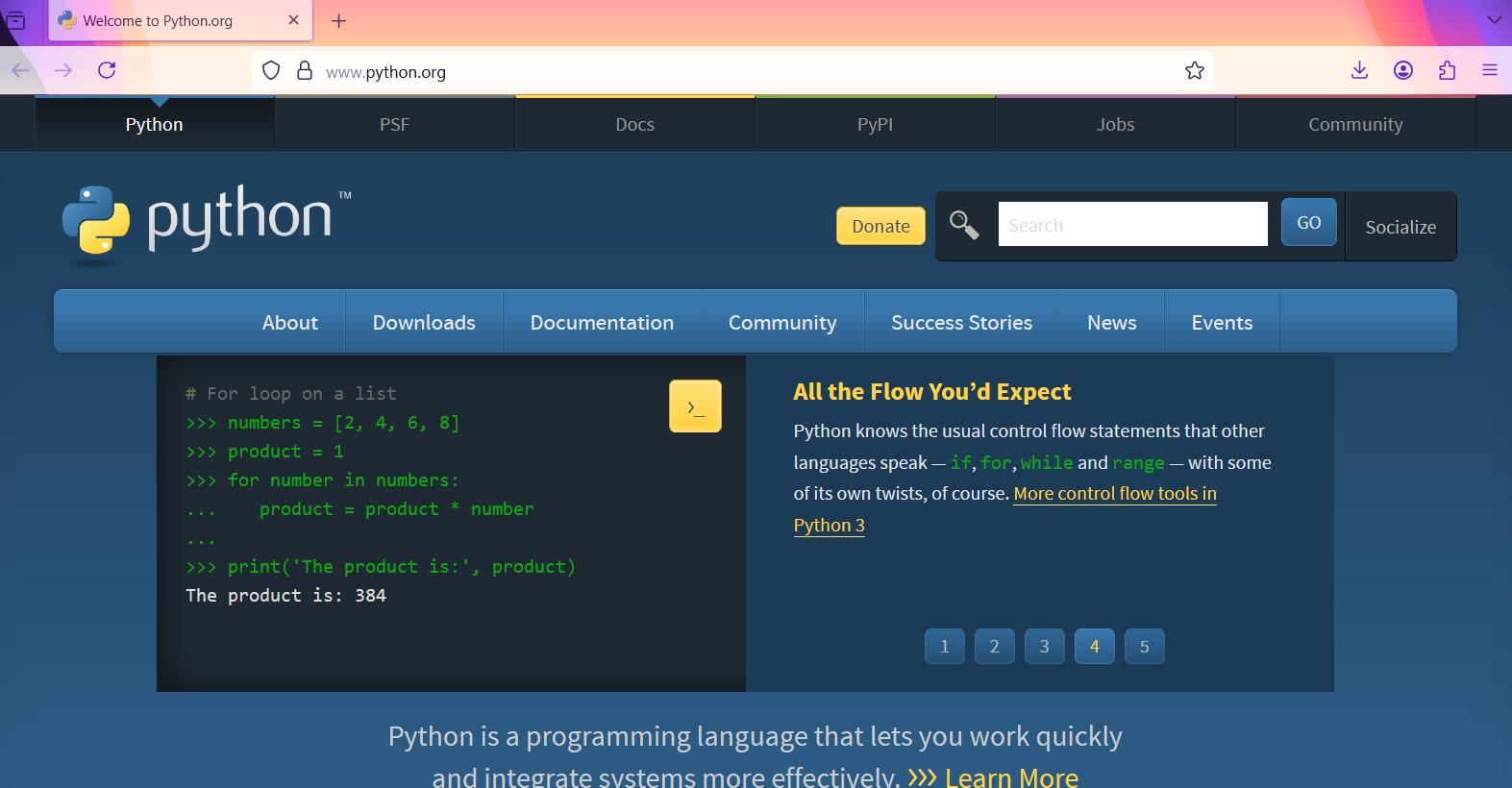
Go to https://www.python.org/
The following page will displayed on your web browser.
-
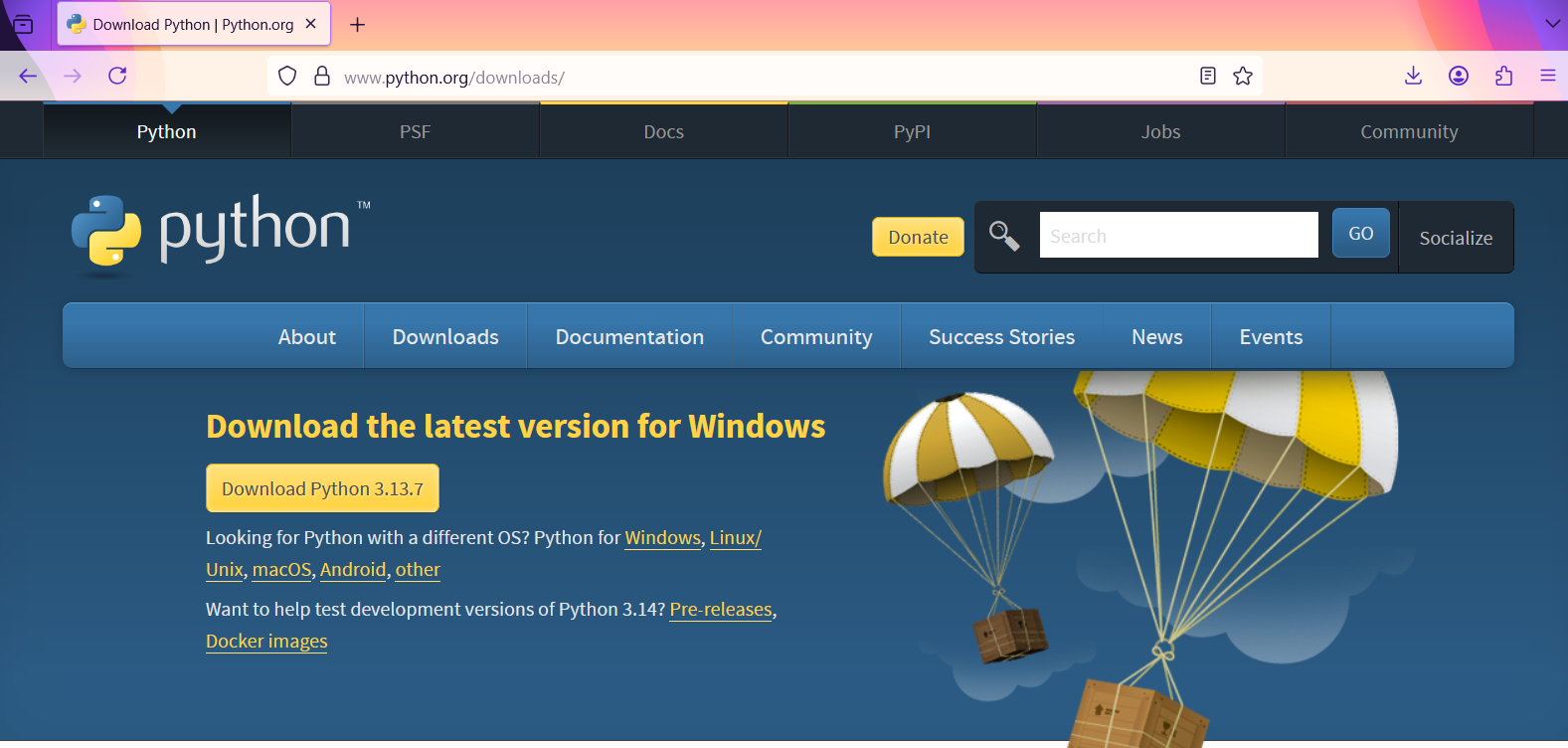
Go to Downloads
The following page will displayed on your web browser.
-
Download the latest version of python(now latest version:python 3.13.7) for windows
-
After the successful completion of download,we need to run python-3.13.7-amd64.exe file
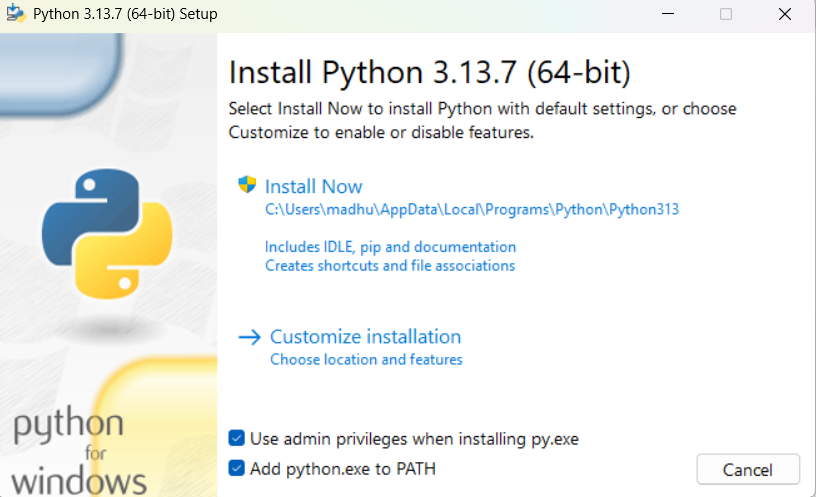
Then the Python setup window will be displayed as shown in below.
-
Click on Install Now
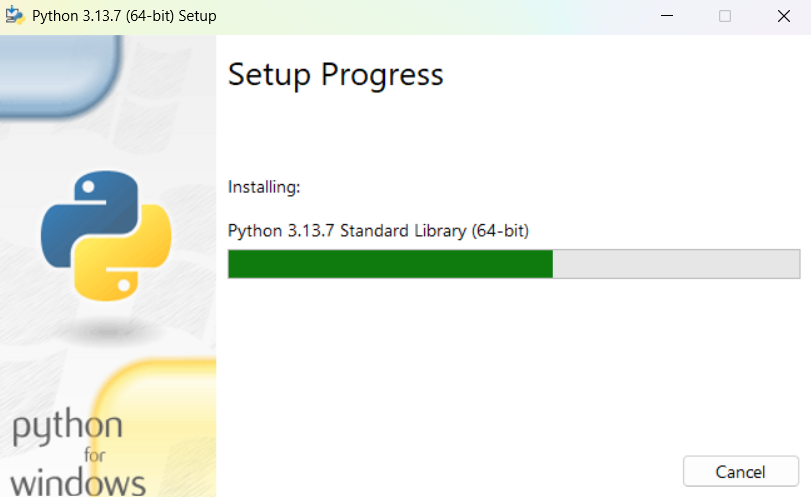
First we need to check Add Python 3.13.7 to PATH, And then click on Install Now, the Python setup progress window will be displayed as shown in below.
-
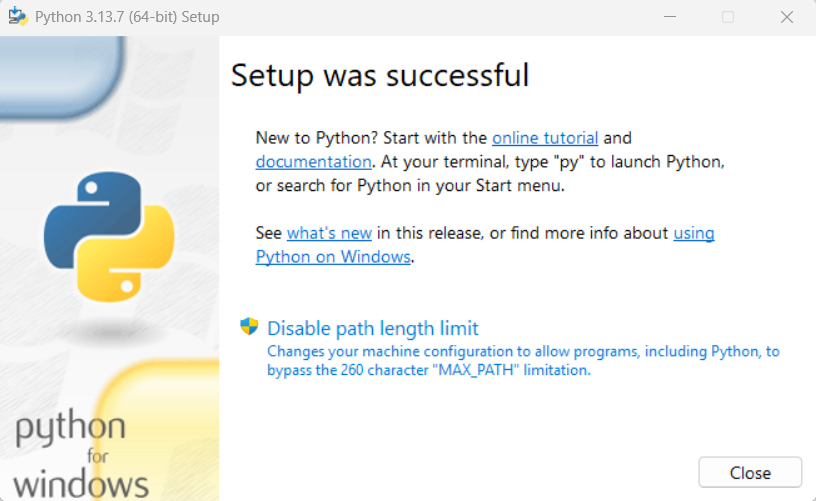
Setup was Successful
The Python setup will take 2 to 3 minutes of time.After successful installation the following window will be displayed
-
Click on Close button
That's it, Python Setup was Successful
Python Documentaion:
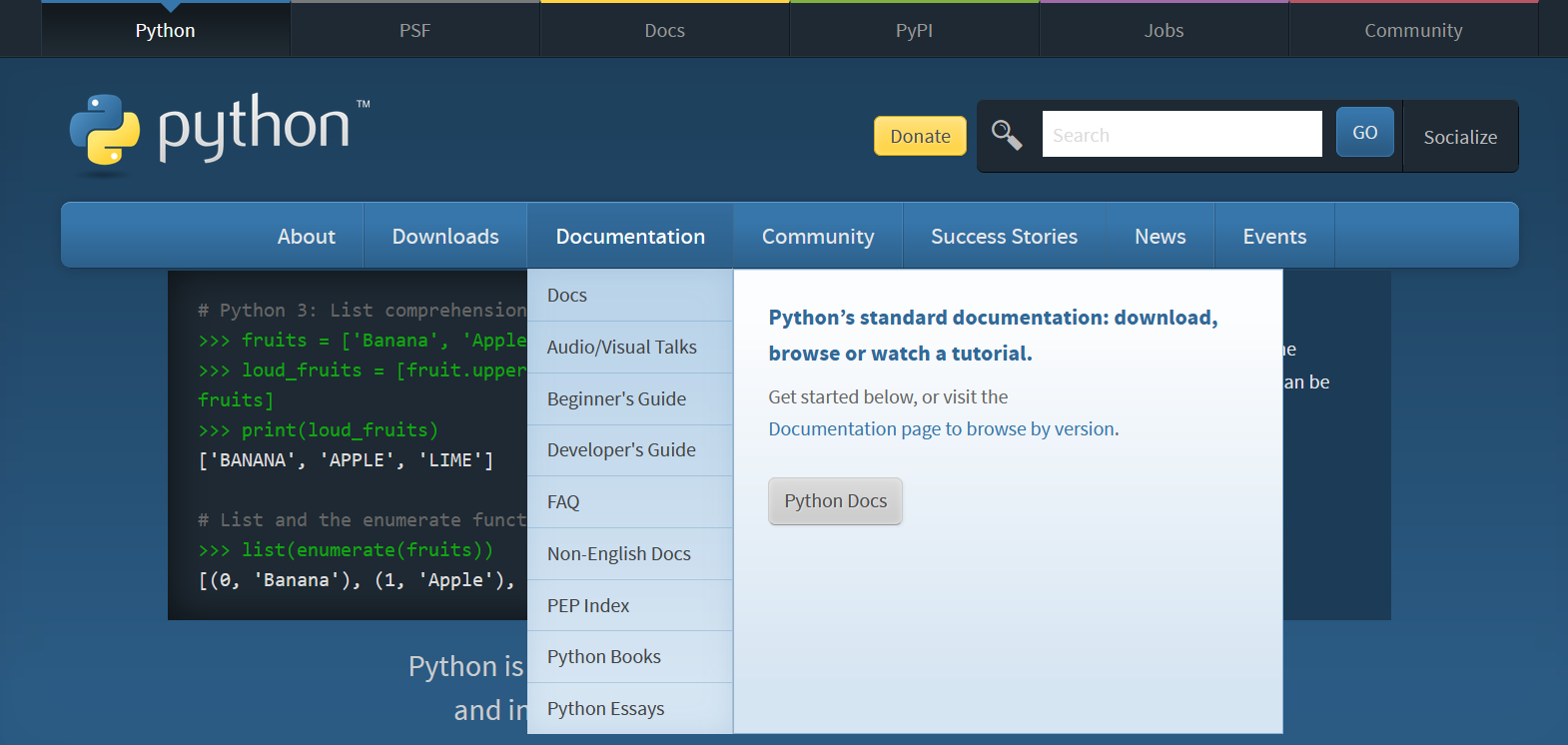
- Go to python official website www.python.org
click on documentation page
-
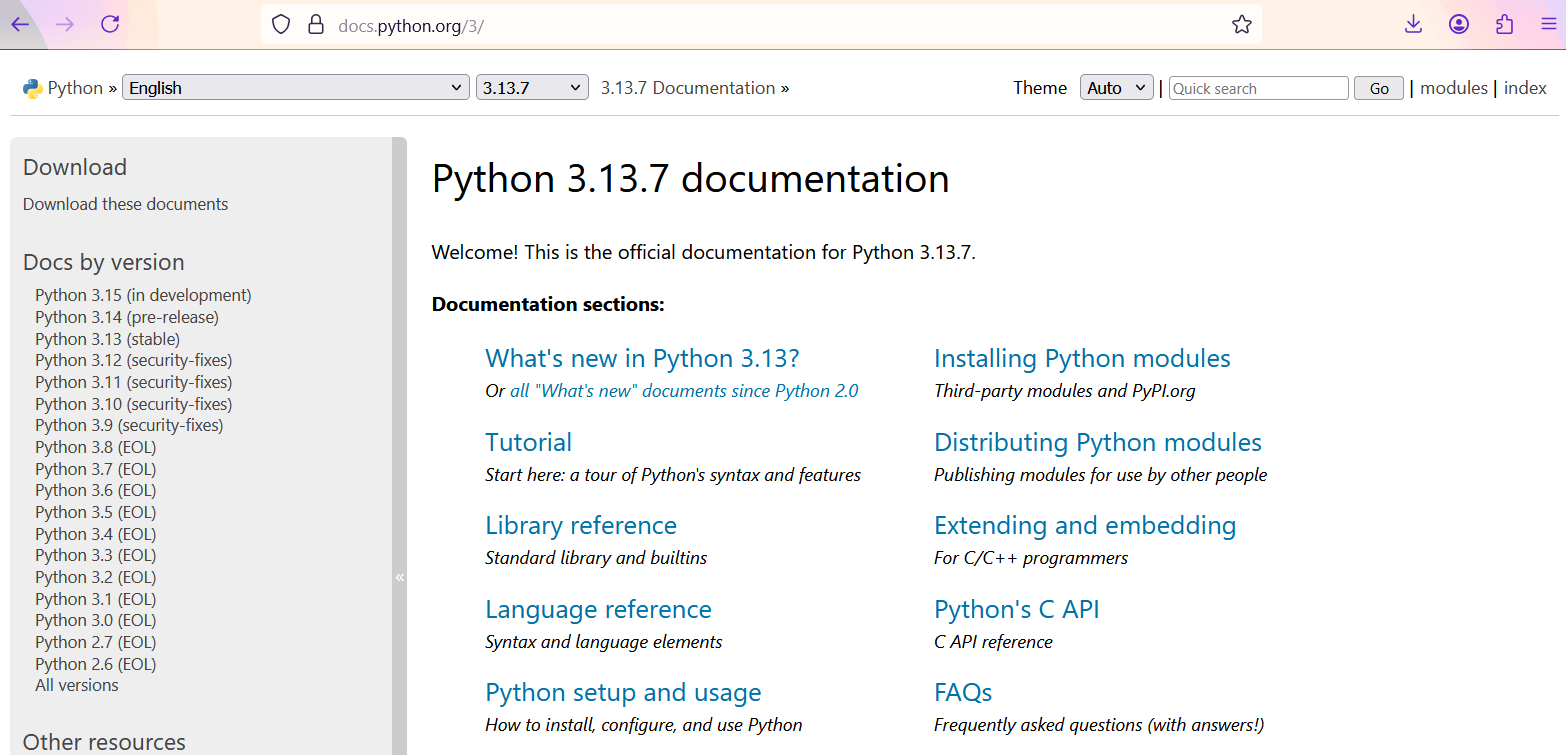
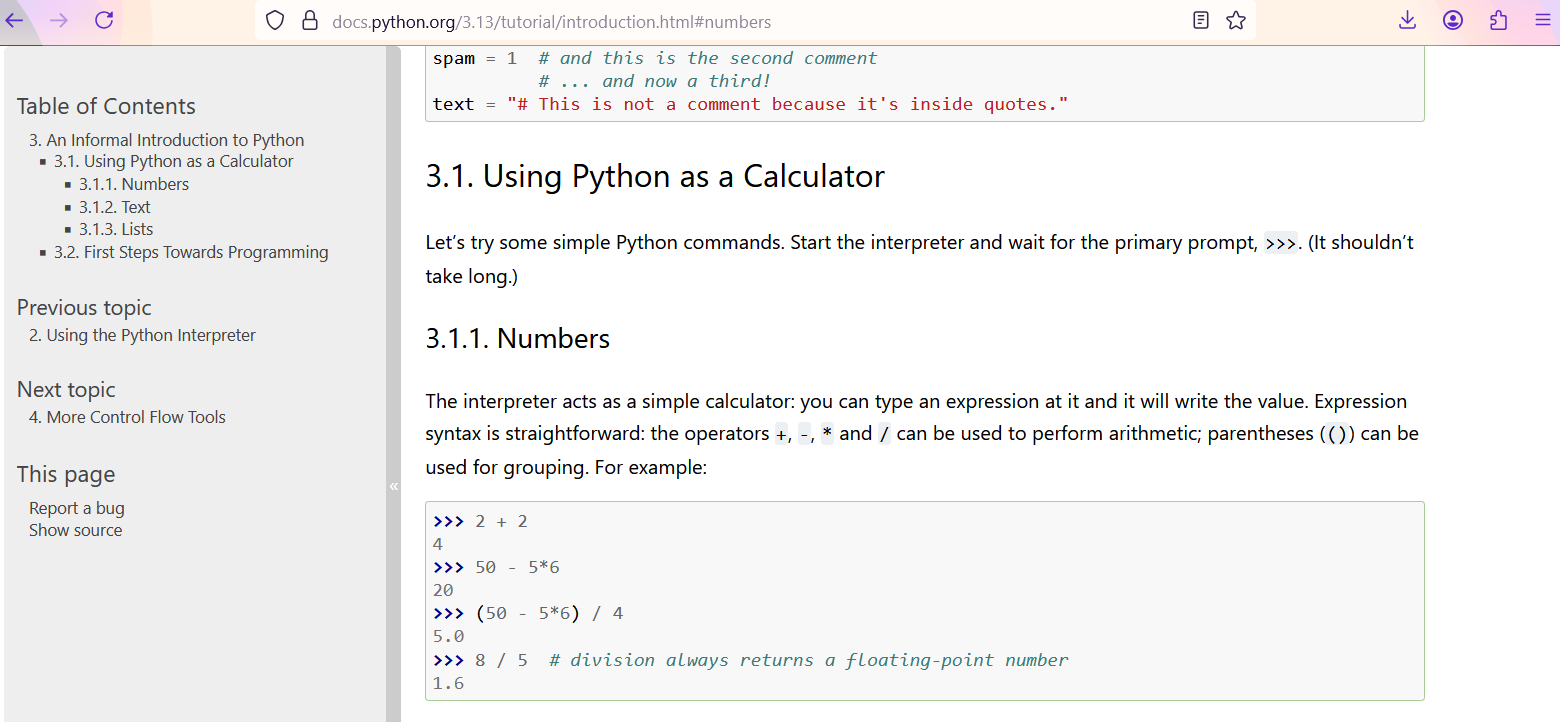
Click on Python Docs, then the following window will be displayed.
-
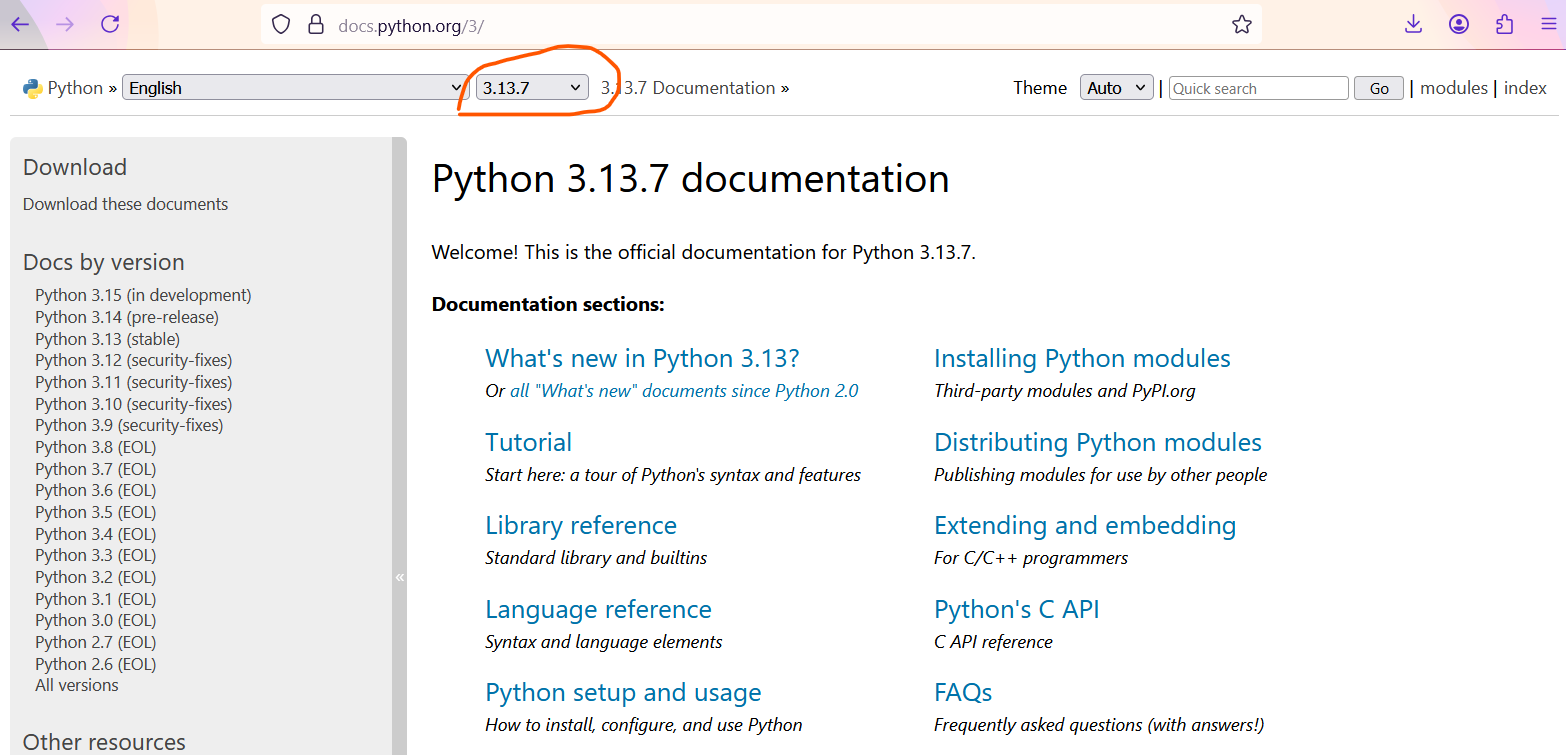
Select version
-
Select topic
✍ Python3 installation procedure in Linux (Ubuntu) :
All most all Linux (Ubuntu) operating systems came up with python 2. 7. To check the python version in your Linux (Ubuntu) system, open terminal by pressing Ctrl + ALT + T and then type following command press enter.
$ python --version (or) $ python -V
Then we get version of python i.e. Python 2.7.12
In this tutorial we are going to install Python 3 on Linux (Ubuntu) Operating System.
To install Python 3
- To update software packages on your system, execute the following command in terminal
$ sudo apt-get update
- After successful updating of software packages, To install python3, execute the following command in terminal
$ sudo apt-get install python3
- To check if python is install properlyor not, we will check the version of python
$ python3 --version (or) $ python3 -V
Then we get version of python3 i.e. Python 3.13.x i.e, Python3 setup successful in Linux (Ubuntu) operating system.
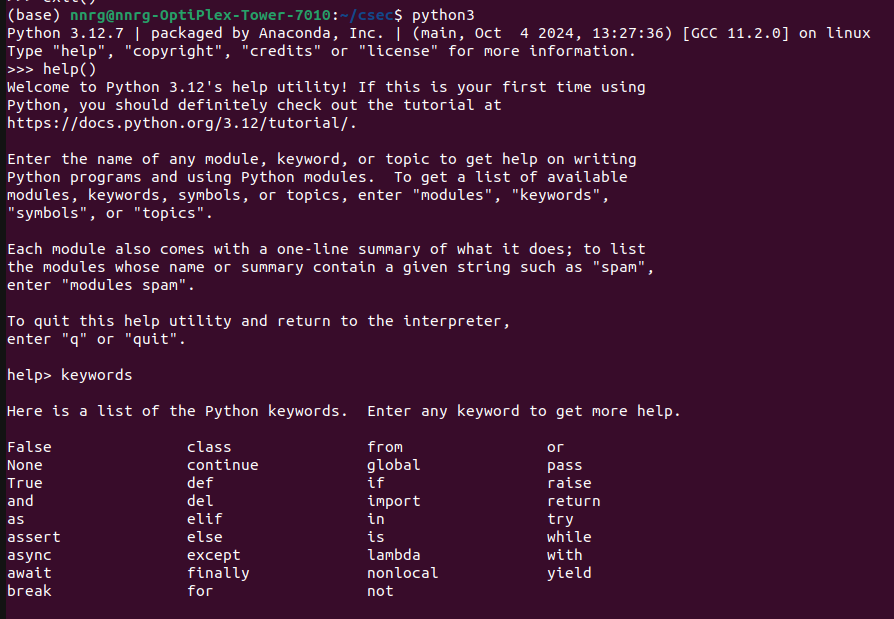
II. Start the Python interpreter and type help() to start the online help utility.
To Start the Python interpreter in your Linux (Ubuntu) system, open terminal by pressing Ctrl + ALT + T and then type following command press enter.
$ python3
And then type following command press enter.
>>> help()
The following is the sample output screenshot
💻 Run This Python Program
Python Installation and Documentation
The selected Python program is loaded
automatically into the editor.
Edit the program, provide input if required
and click Run.