Installing Ruby
Before learning Ruby programming, we must install the Ruby interpreter and verify that it is working correctly.
Installing Ruby on Windows
To install Ruby on your Windows, just follow these steps:
- Download RubyInstaller
- Run the installer
- Install MSYS2 development tools
- Verify Ruby installation
Step 1: Download RubyInstaller
- Visit the official website (https://rubyinstaller.org/).

- Click Download.
- Download the recommended Ruby+Devkit version for Windows (Ex: Ruby+Devkit 4.0.9-1 (x64)).
Step 2: Run the installer
- Open the downloaded .exe file (Ex: rubyinstaller-devkit-4.0.9-1-x64.exe).
- Accept the license agreement.

- Select the installation directory (Ex: C:\Ruby40-x64) and enable the option “Add Ruby executables to your PATH”.
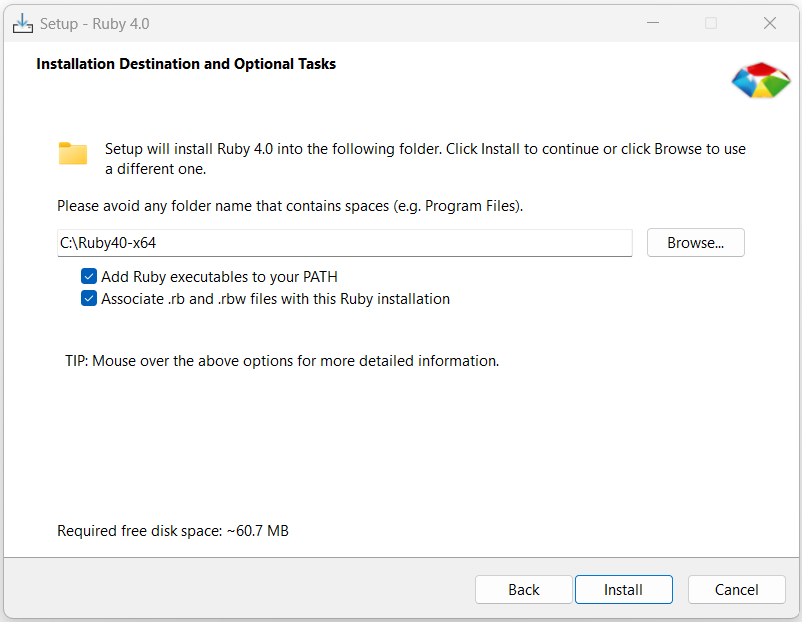
- Click Install and select the required components.
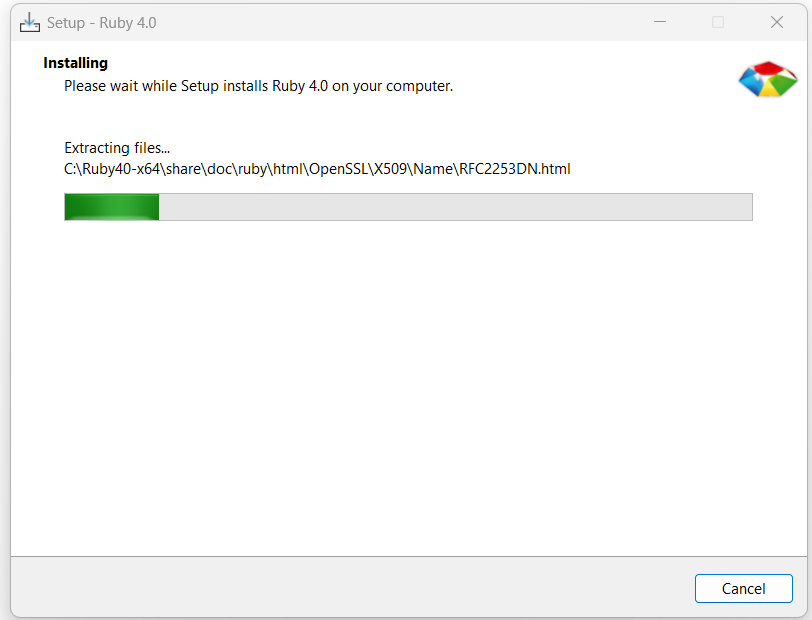
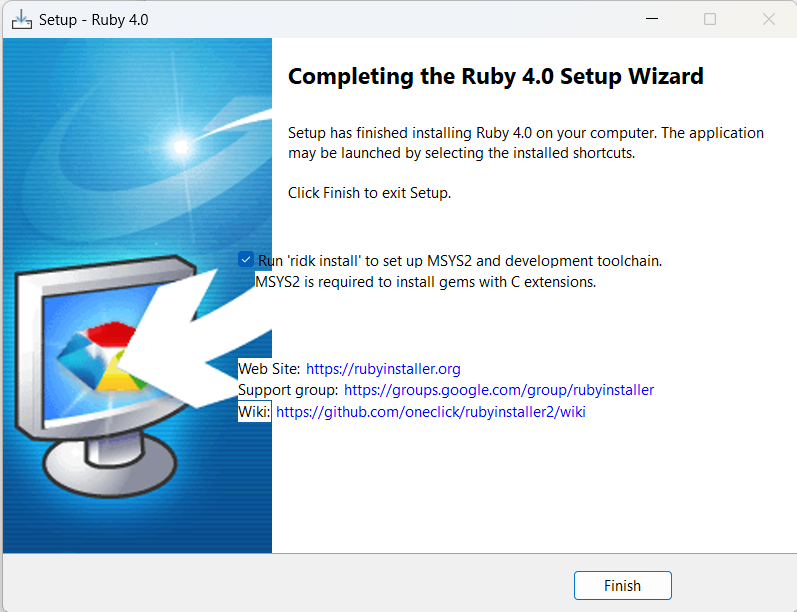
- Click on Finish.
Step 3: Install MSYS2 development tools
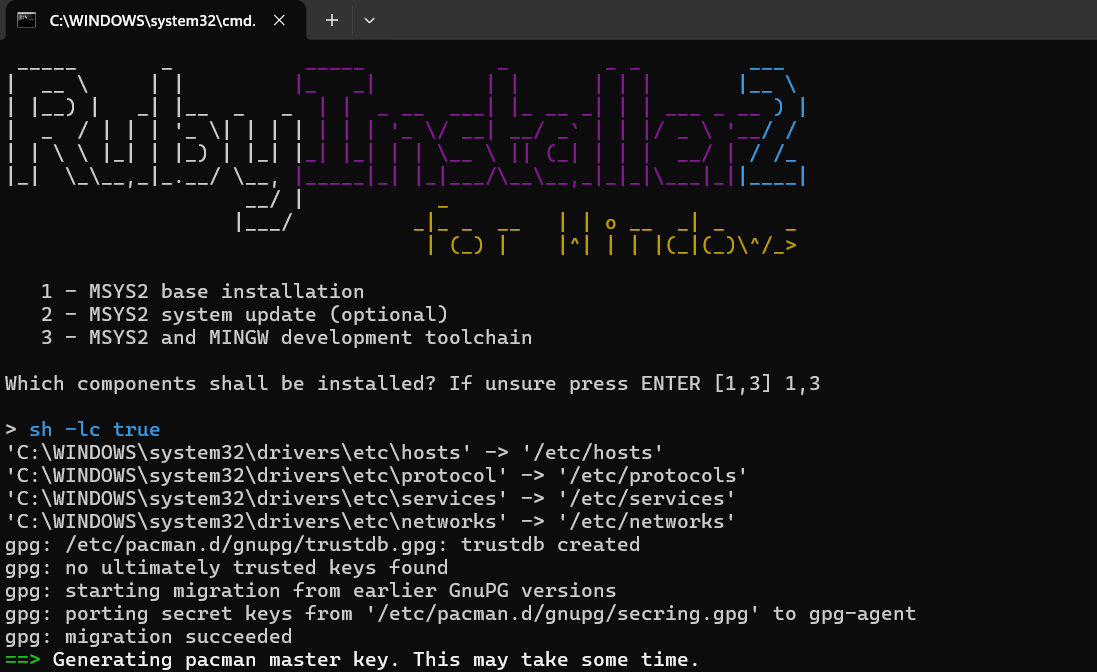
After installation, the RubyInstaller setup may open a command prompt for MSYS2 installation.
- Select the recommended MSYS2 installation option.
- Allow the installation to complete.
- Install the MSYS2 development toolchain when prompted.
These tools are useful for compiling native Ruby gems.
Step 4: Verify Ruby installation
Open the Command Prompt and execute the following command.
ruby -v
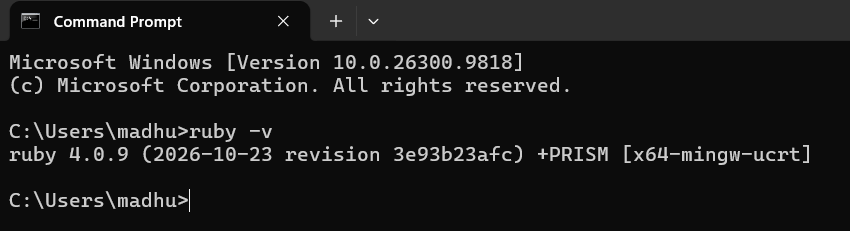
Installation of Ruby in Windows is successfully completed.
Installing Ruby on Linux (Ubuntu)
In Ubuntu Linux, Ruby can be installed using the APT package manager. To install Ruby on your Linux (Ubuntu), just follow these steps:
Step 1: Open the terminal
Press Ctrl + Alt + T to open the terminal.
Step 2: Update the package information
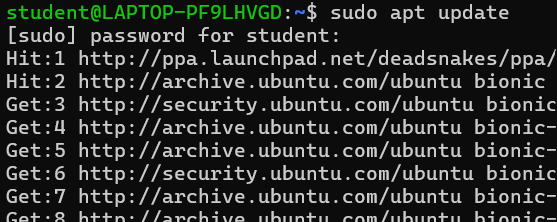
Execute the following command to update the package information from Ubuntu repositories.
sudo apt update
Step 3: Install Ruby
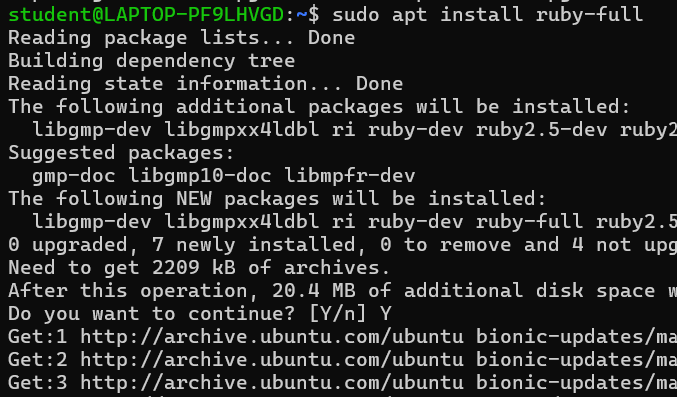
Execute the following command to install Ruby and the standard Ruby components.
sudo apt install ruby-fullIf prompted, type Y and press Enter.
Step 4: Verify Ruby installation
Execute the following command to verify the Ruby installation.
ruby -vIf the installation was successful, this command displays the version of Ruby like below.
