
Explore the available data sets in WEKA tool kit.
Explore the available data sets in WEKA tool kit:
Description:
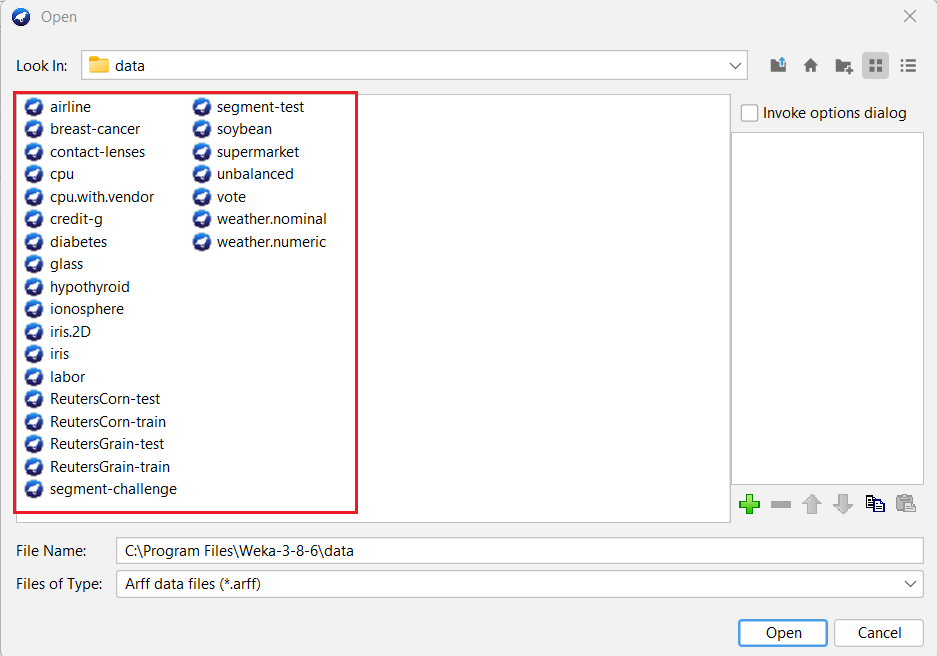
We need to explore the various data sets that are accessible within the WEKA software. There are some sample existing WEKA data sets, in arff format.
Those are,
- contact-lens.arff
- cpu.arff
- diabetes.arff
- glass.arff
- iris.arff
- labor.arff
- ReutersCorn-train.arff
- ReutersCorn-test.arff
- ReutersGrain-train.arff
- ReutersGrain-test.arff
- segment-challenge.arff
- segment-test.arff
- soybean.arff
- supermarket.arff
- vote.arff
- weather.arff
- weather.nominal.arff
Procedure:
Steps:
1) Open the Weka GUI Chooser
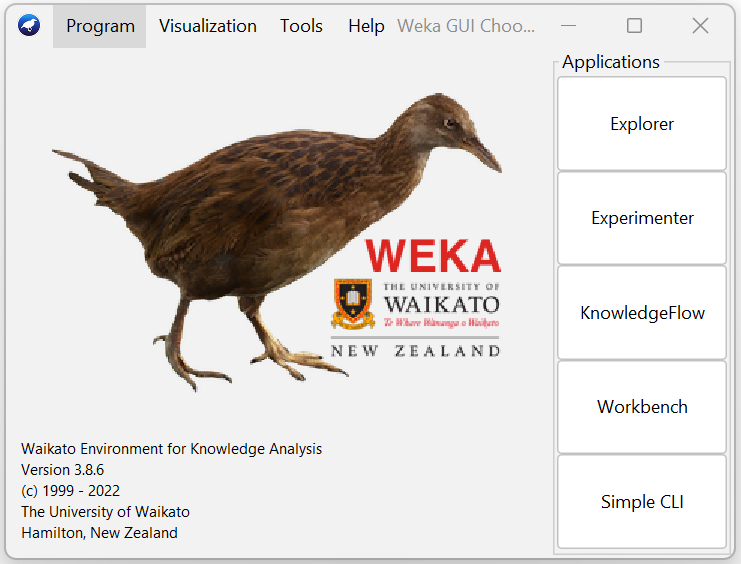
2) In that Weka GUI chooser there are five applications, click on Explorer.
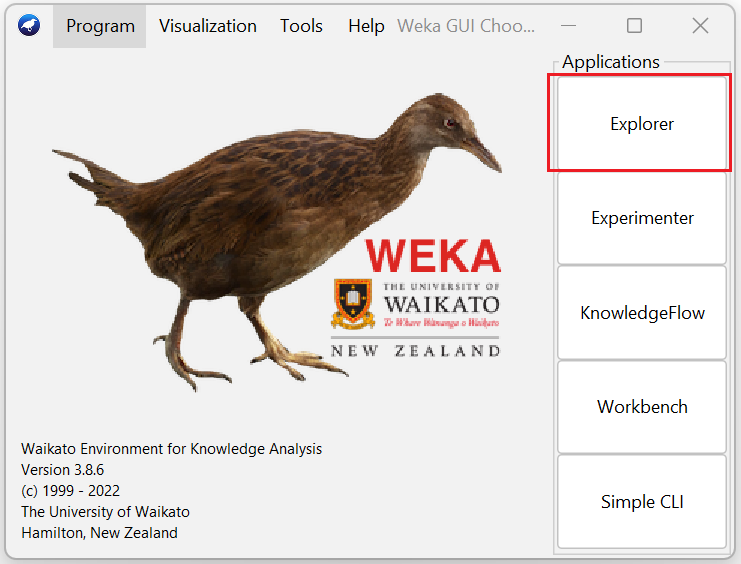
3) Explorer shows many options. In that click on 'open file...' button. And then choose WEKA folder in C drive.
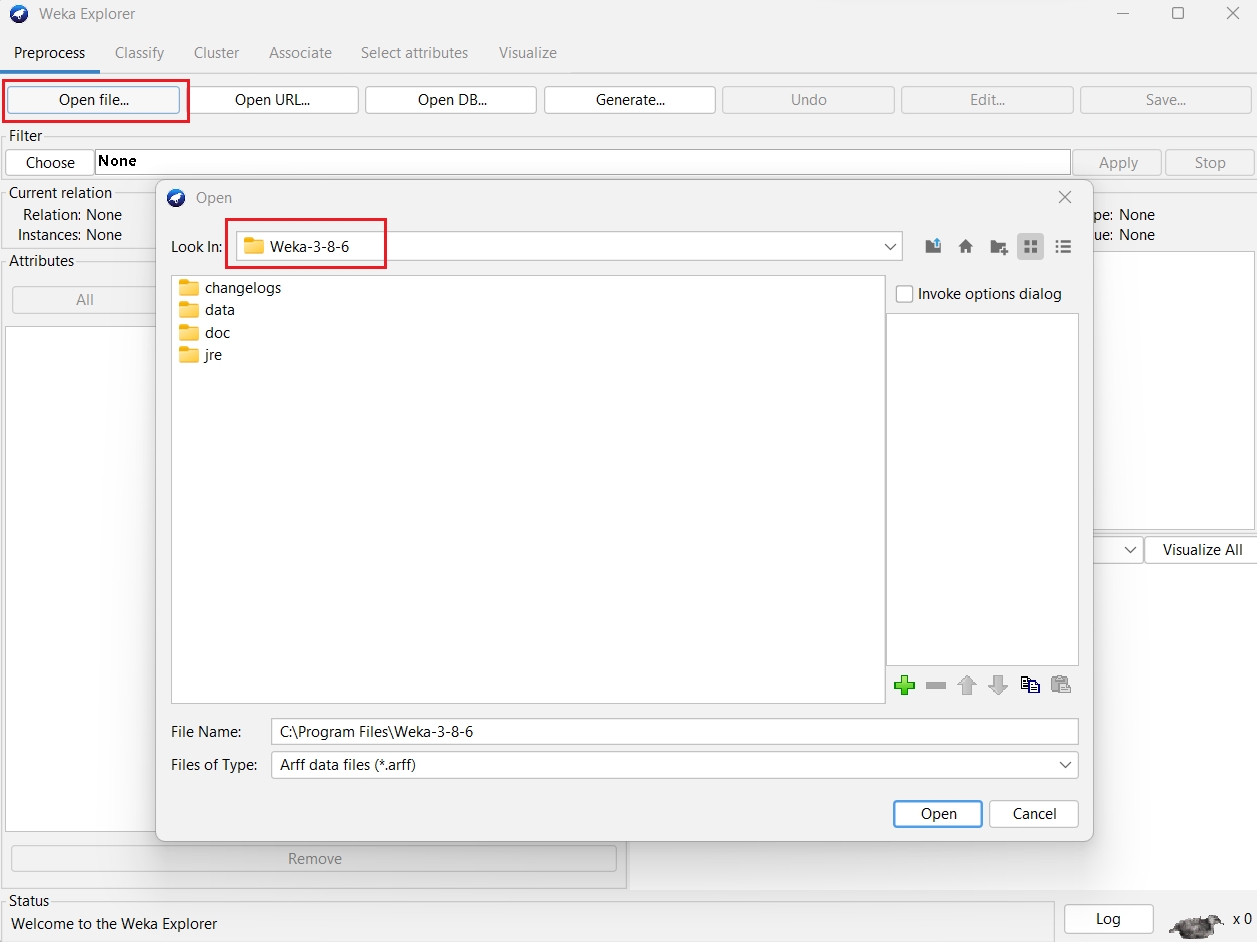
4) Select and click on the data folder.
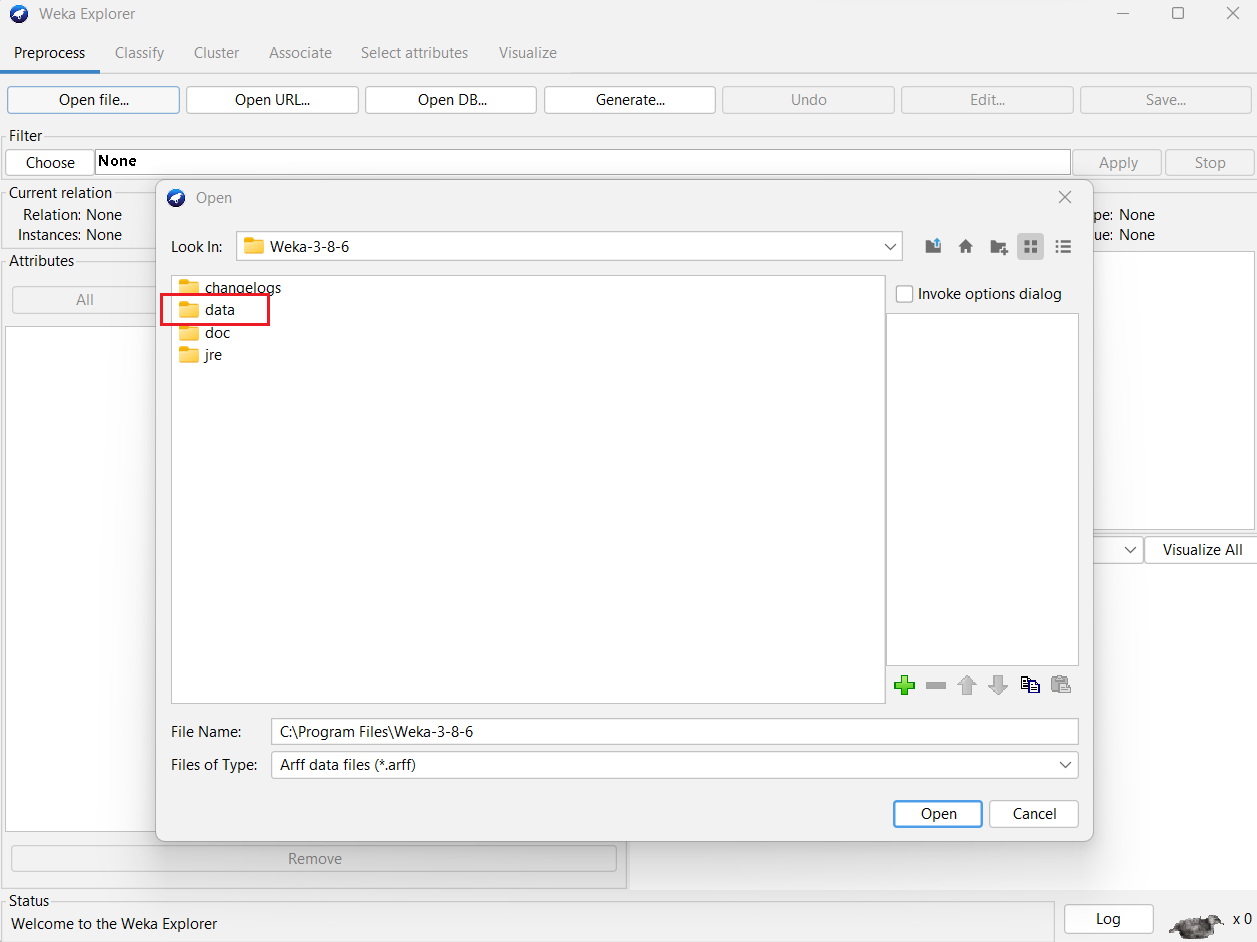
5) The available datasets are displayed.
Result:
The available data sets in the WEKA tool kit were explored..