Downloading and/or installation of WEKA Data Mining toolkit.
Installation Steps for WEKA Data Mining Tool
1. Download the software(Weka Tool Kit) as your requirements from the below given link.
http://www.cs.waikato.ac.nz/ml/weka/downloading.html
2. The Java is mandatory for installation of WEKA so if you have already Java on yourmachine then download only WEKA else download the software with JVM.
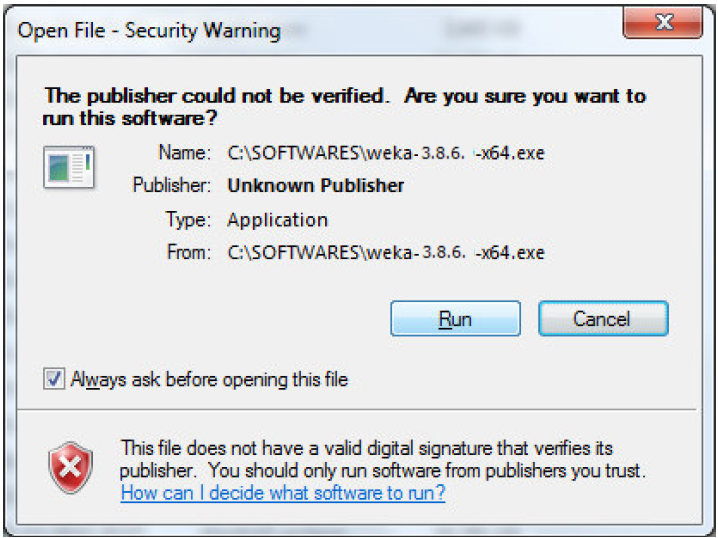
3. Then open the file location and double click on the file. Click on Run.
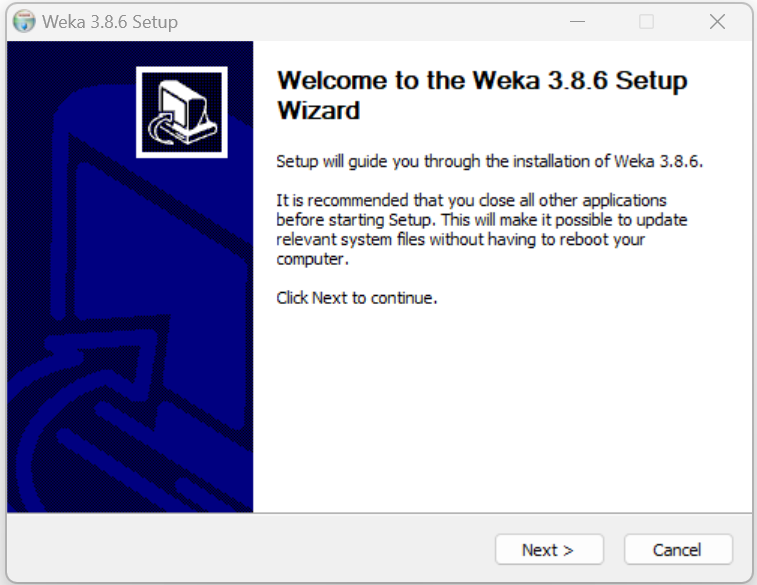
4. Click Next to continue.
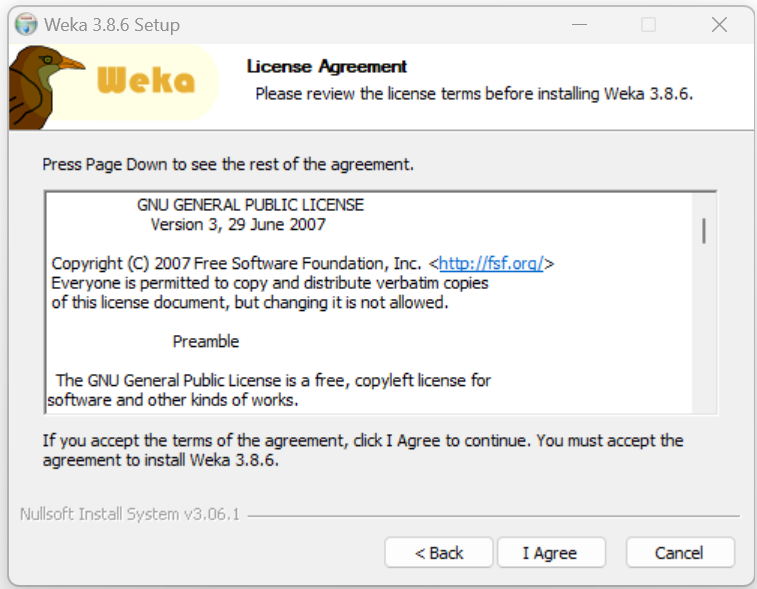
5. If you accept the terms of the agreement, click I Agree to continue. You must accept the agreement to install Weka.
6. Check the components you want to install and uncheck the components you do not want to install. Click Next to continue.
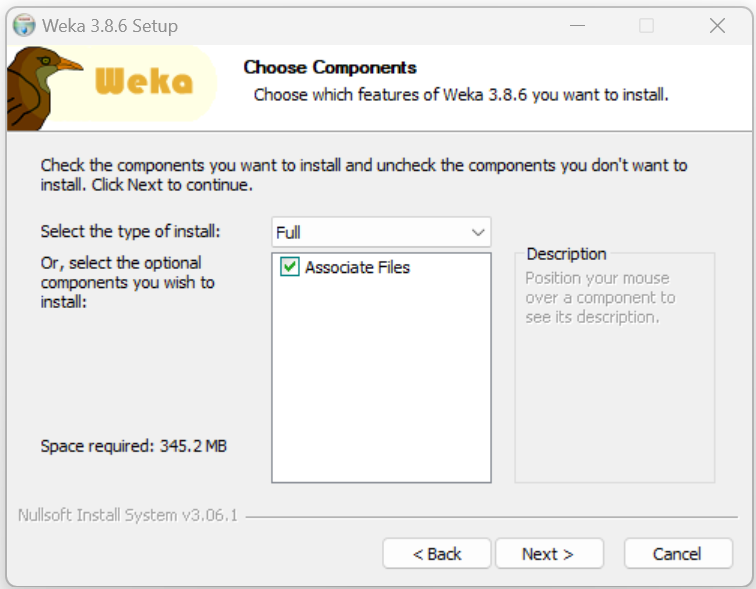
7. Setup will install Weka 3.8.6 in the following folder. To install in a different folder, click Browse and select another folder. Click Next to continue.
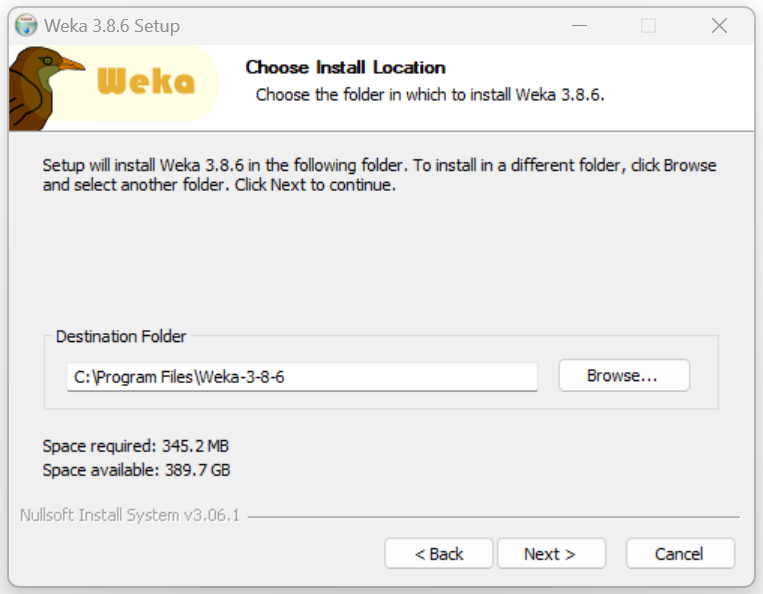
8. Choose a Start Menu folder in which you would like to create the Weka 3.8.6 shortcuts. You can also enter a name to create a new folder. And then click on Install to continue.
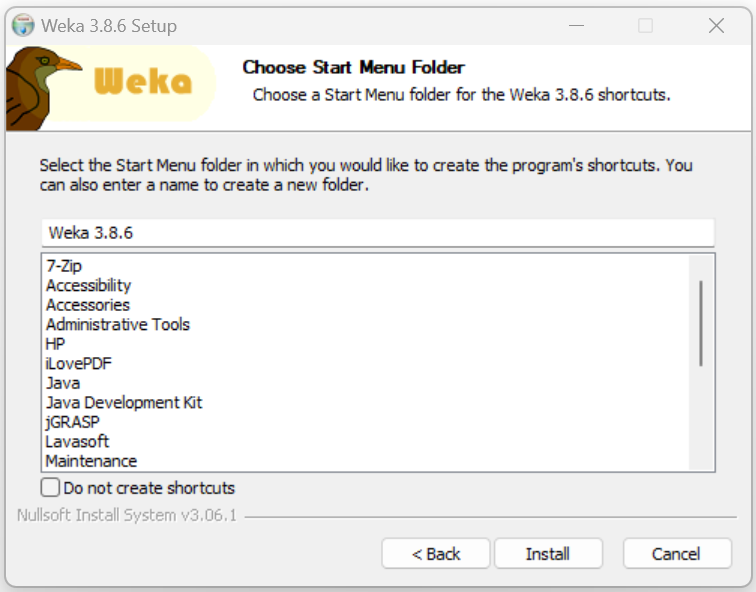
9.Installing: Please wait while Weka 3.8.6 is being installed.
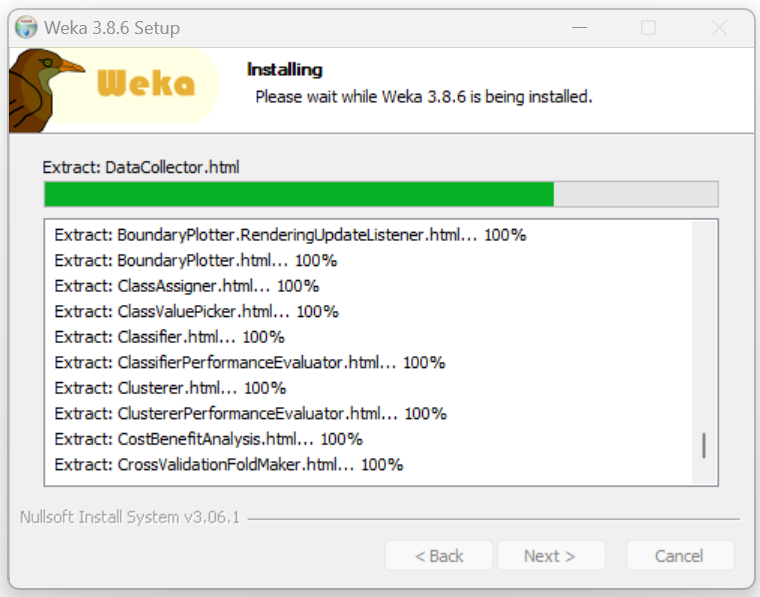
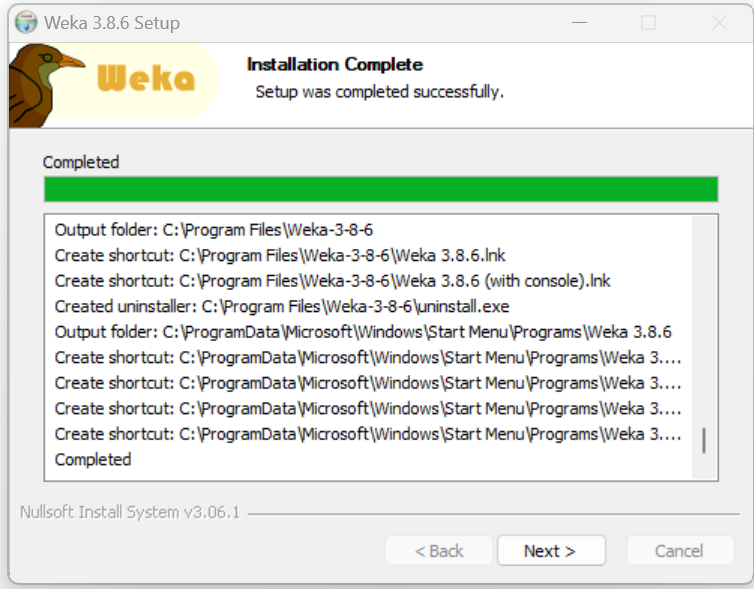
10.Installation Complete: Setup was completed successfully. Click Next to continue.
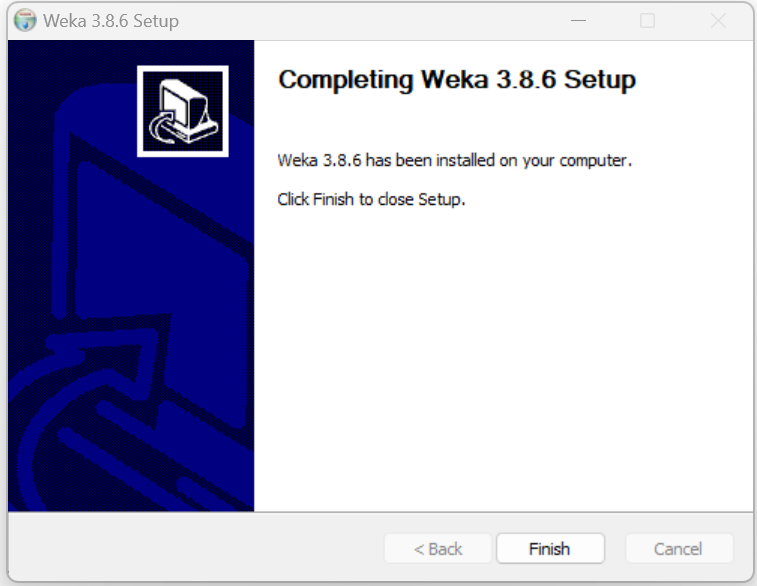
11. Weka 3.8.6 has been installed on your computer. Click Finish to close Setup.